How Much RAM Does Windows 11 Need?
Date First Published: 11th May 2026
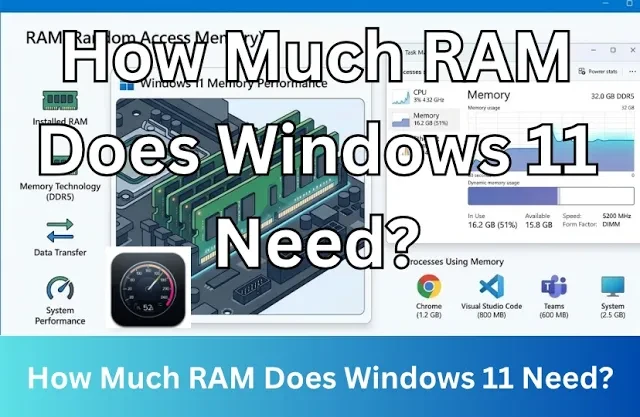
Wondering if your PC has enough memory for Windows 11? While the official minimum is 4 gigabytes, running the operating system comfortably requires a bit more. We will explore exactly how much RAM you need for gaming, multitasking, and heavy workloads.
4 GB
Windows 11 can run on as little as 4 GB RAM. However, the experience will likely be very slow. While it's technically possible for basic tasks like web browsing with few tabs or word processing, multitasking will be difficult, and the system often uses nearly 3 GB just to keep the desktop and background services running.
At 4 GB RAM, Windows 11 will often be forced to use your hard drive or SSD as overflow memory. Because storage drives are much slower than actual RAM, you will experience system stuttering which can freeze your cursor. If you have a laptop or desktop computer with only 4 GB RAM, bumping up to 8 GB will transform your daily experience by giving you enough room to handle background tasks, system updates, and your active applications without constantly using your slower storage drive.
8 GB
Windows 11 can run comfortably on 8 GB RAM. For basic, everyday use, like web browsing, streaming media, reading emails, and word processing, 8 GB is sufficient. The operating system will run best if you pair this with a solid state drive rather than an older, slower hard drive.
Since web browsers are often the biggest resource hogs, using built-in tools can keep your RAM free. We recommend setting your browser to automatically close inactive tabs. Under System and Performance in Microsoft Edge, ensure that the option to put inactive tabs to sleep is turned on. Then, you can choose the time from the dropdown menu. You should also disable resource-heavy apps from launching in the background. You can do this by opening the Task Manager, navigating to the Startup apps tab, and disabling anything you don't need immediately at boot.
16 GB
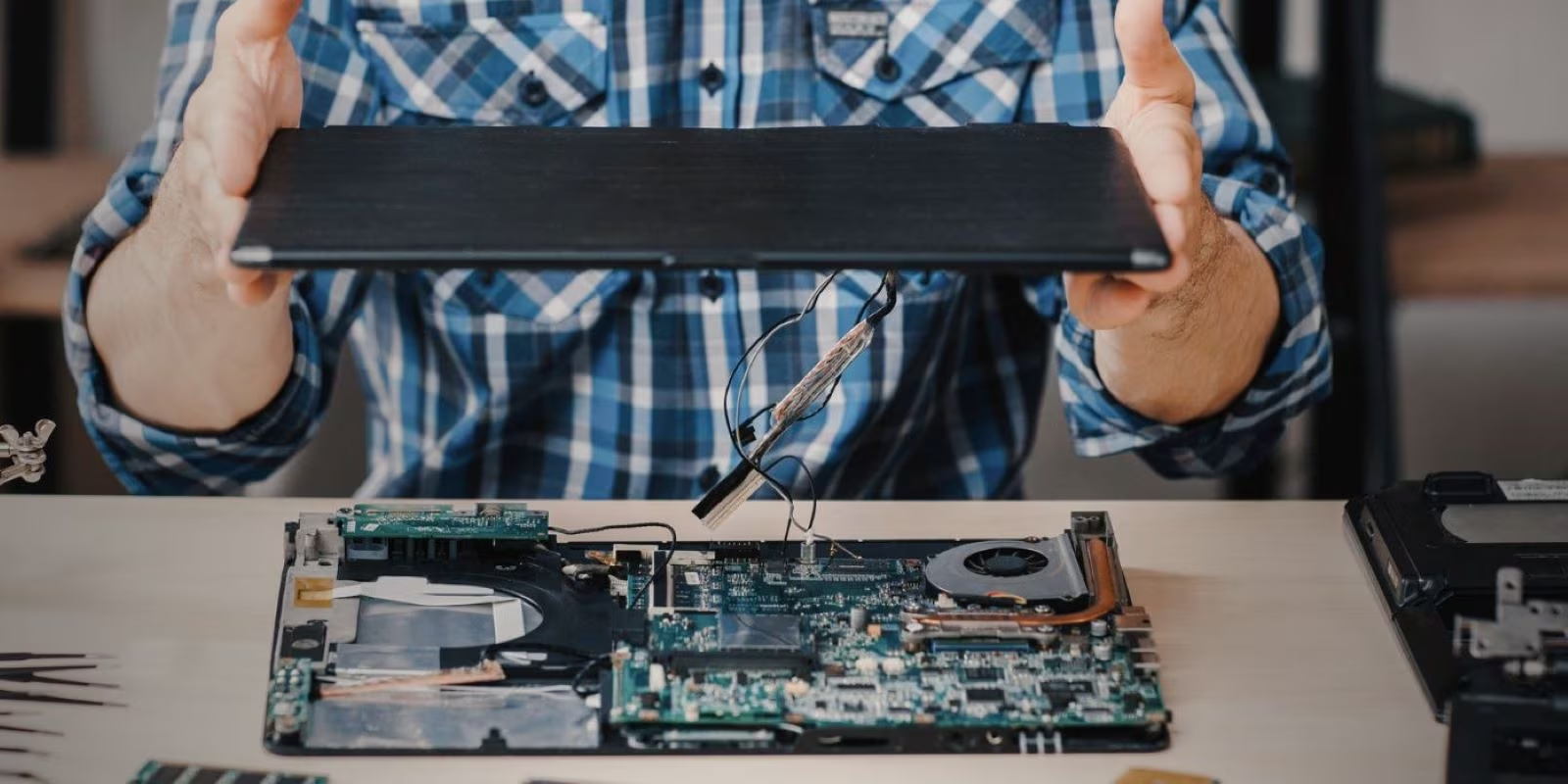
Although 16 GB is well above the official requirement for Windows 11, if you're a power user who engages in heavy multitasking, like having 20 tabs open while using intensive tools and apps, you may max out 8 GB RAM and find that you need 16 GB or more. In that case, you can add another 8 GB stick of RAM to your laptop or desktop PC if it's upgradeable. Nearly all desktop motherboards have extra slots, making it very easy to buy an identical stick of RAM and pop it in. However, some modern, ultra-thin laptops have the RAM soldered directly to the motherboard, making upgrades impossible.
Heavy tasks, like professional video editing, 3D modeling, or modern gaming use a massive amount of RAM to load and manipulate large files in real time and avoid stuttering. For example, high-resolution uncompressed video frames must load directly into RAM for smooth, real-time playback. When you export or add complex effects, professional software, like Premiere Pro or DaVinci Resolve require a lot of headroom.
Open-world games dynamically stream massive amounts of assets on the fly. They typically feature larger open-world environments, complex physics, and highly detailed textures that must be quickly accessed by your system. 16 GB can handle most mainstream games smoothly and should be enough to edit full HD videos using professional software. However, you may experience frame drops or stutters in very demanding open-world games or when working with heavy effects in 4K videos.
32GB and More
32 GB of RAM is needed if you are a heavy multitasker who plays modern games, does professional creative work, and frequently uses virtual machines. It provides maximum headroom to prevent system slowdowns and stuttering when running many resource-intensive apps at the same time, giving you total peace of mind for massive workloads.
This is essential for professionals and enthusiasts who want to push their PCs to the limit. However, if you strictly play modern games, 16 GB is generally sufficient to hit peak frame rates. With 32 GB RAM, you won't see a noticeable improvement in performance unless you're constantly running out and forcing your system to cache data onto a slower drive.
How Much RAM Should I Buy?
If you're a casual user who uses your PC for simple everyday tasks, like web browsing with a few open tabs, light office work, and basic word processing, 8 GB should be enough for a comfortable experience. For modern gaming, heavy multitasking, and video editing, 16 GB is often necessary to avoid slowdowns. If you keep many heavy apps at once, like heavy 3D rendering, 4K video editing, and virtual machines, 32 GB may be necessary.
With most desktop computers, you can always pop in another stick of RAM if your needs change. For example, if you currently have 8 GB RAM and find you're constantly maxing it out with heavy apps, you can always add another 8 GB to reach 16 GB. But, with laptops, particularly modern macbooks, the memory is often soldered to the motherboard, making it impossible to upgrade it later, so you have to think about how much you will need in the future. That's why many people buying laptops with soldered RAM, choose 16 GB to make sure it will be enough for their future needs, even if they won't need it at the current time.
Comments
About Us
-
We offer guides, tutorials, and reviews about the world of information technology. Whether you're a tech enthusiast, a professional, or a beginner, our goal is to inspire you and guide your tech journey. Subscribe to stay updated with the latest videos and explore the exciting world of computing and information technology.
Recent Articles



Recent Quizzes
Subtopics
Network Services Network Setups Network Standards Network Hardware Network Identifiers Network Software Internet Protocols Internet Organisations Data Transmission Technologies Web Development Web Design Web Advertising Web Applications Web Organisations Web Technologies Web Services SEO Threats To Systems, Data & Information Security Mechanisms & Technologies Computer Hardware Computer Software Ethics & Sustainability Legislation & User Data Protection