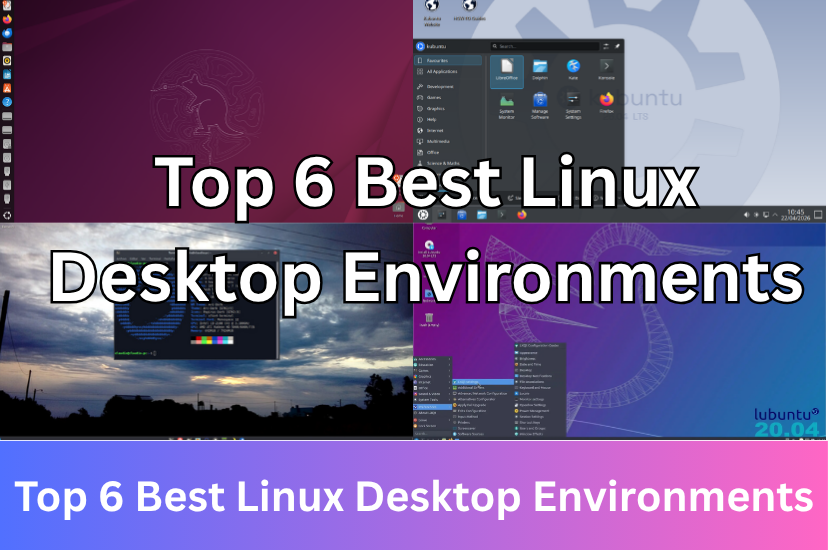
Top 6 Best Linux Desktop Environments
Date First Published: 7th June 2026
Are you looking to switch up your Linux distro or just curious about what else is out there? Whether you prioritize lightweight performance, modern aesthetics, or high customisation, there is a desktop environment there for you. We break down the pros, cons, and ideal use cases for each interface so you can find the perfect fit for your workflow.
1. GNOME (Best For Modern Workflows)
GNOME is the most common desktop environment for mainstream Linux. It removes the traditional taskbar in favour of an Activities overview, designed for a very focused, keyboard-driven, and multi-workspace workflow. It has excellent support for touchpad gestures and a massive library of community extensions. However, it's generally heavier than other desktop environments. This makes it better for modern hardware and users who prefer a distraction-free, polished out-of-the-box experience. Ubuntu and Fedora come with the GNOME desktop.
2. Cinnamon (Best For Windows Users)
Cinnamon is the default desktop environment Linux Mint uses. It offers sleek animations and extensive graphical customisation. It looks modern and is designed to be instantly familiar to anyone migrating from Windows. This makes it great for beginners. It features a System Settings menu where you can download themes, desktop widgets (desklets), and panel applets. It requires no manual file editing to get heavily stylised and relies slightly on both the GPU and CPU for its built-in window effects, shadows, and transparency. It uses the modern Nemo file manager, which includes features like dual-pane viewing, plugins, and advanced network browsing.
3. XFCE (Lightweight and Best For Older Hardware)
XFCE is lightweight, traditional, and highly stable. It provides a complete desktop experience while using a fraction of the RAM required by GNOME. While it doesn't support as many features as Cinnamon or GNOME, it's known for its low resource consumption and a fully customisable panel system. Tweaks are often more manual compared to Cinnamon. You can strip it down completely or turn it into a heavily customised environment using external themes and config files. It does this by avoiding intensive graphical effects, making it noticeably faster and perfectly suited for older hardware. It uses the Thunar file manager, which is very fast but lacks some of the advanced out-of-the-box features of Nemo.
Overall, it's a great choice for restoring older or low-spec machines and can run on as little as 1 GB RAM. You can try it on Linux Mint XFCE, MX Linux, or X Ubuntu. While aimed at older hardware, XFCE is designed to be fast on any machine, including modern computers where speed is preferred over heavy visual effects.
4. LXQT (Ultra-Lightweight and Best for Older Hardware)
LXQT is a very lightweight desktop environment used by Lubuntu. It uses much less RAM than other desktop environments and is even lighter than XFCE. It's the better choice for reviving very old or low-power hardware and can run on as little as 512 MB RAM. Compared to XFCE, it leans toward minimalism and simplicity. Its settings menu is functional, but it relies more on native, lightweight applications, like FeatherPad for text editing rather than heavy software. It uses the QT toolkit, the same toolkit used by KDE Plasma, allowing it to share many powerful KDE utilities and system configurations. While it's user-friendly, LXQT can feel a bit dated compared to other distributions, as it's designed for very high resource efficiency and speed on older hardware, rather than modern aesthetics.
5. KDE Plasma (Best For Customisation and Power Users)
KDE Plasma offers granular control over your desktop layout, widgets, and themes, which make it best for power users who like to tweak. It uses a traditional desktop layout, but can be customised to mimic Windows or macOS. Unlike heavily fixed desktops, Plasma allows you to tweak almost every visual and functional element, from the taskbar layout and widgets to global themes and keyboard shortcuts. By default, it features a familiar layout similar to Windows, with a start menu, taskbar, and system tray, making it an easy transition for new users. It seamlessly pairs with mobile devices via KDE Connect, allowing you to sync notifications, share files, and even control your PC or run terminal commands directly from your smartphone. It has excellent multi-monitor handling support and industry-leading fractional scaling for high-resolution displays. You can try it on Kubuntu or KDE Neon.
6. COSMIC (The Rising Star)
Built by System76 in the Rust programming language, COSMIC is a highly performant and secure environment that serves as a modern alternative to GNOME. Originally a customised version of GNOME for Pop OS, it was completely rewritten to provide high memory safety, fast performance, and high levels of customisation without the need for unofficial extensions. It's great for modern setups and users looking for the next evolution of the Linux desktop. Written entirely in Rust, COSMIC offers high performance, memory safety, and native Wayland support, which reduces input spoofing and keylogging vulnerabilities. The desktop is composed of independent applets, a compositor, panel, and dock, meaning you can swap out pieces or mix and match layouts. It also provides deep visual customisation across the entire operating system, featuring light, dark mode auto-switching and colour pickers for user interface elements and app sidebars.
Comments
About Us
-
We offer guides, tutorials, and reviews about the world of information technology. Whether you're a tech enthusiast, a professional, or a beginner, our goal is to inspire you and guide your tech journey. Subscribe to stay updated with the latest videos and explore the exciting world of computing and information technology.
Recent Articles


Recent Quizzes


Subtopics
Network Services Network Setups Network Standards Network Hardware Network Identifiers Network Software Internet Protocols Internet Organisations Data Transmission Technologies Web Development Web Design Web Advertising Web Applications Web Organisations Web Technologies Web Services SEO Threats To Systems, Data & Information Security Mechanisms & Technologies Computer Hardware Computer Software Ethics & Sustainability Legislation & User Data Protection